- Every app on this page installs from the App Store. Apple allows other app sources only in Brazil, Japan and the EU, so Canadian iPhone and Apple TV owners use the store.
- IPTVX (seller Bending X – FZE) costs $4.99 a month or $35.99 a year on the Canadian store, and its FAQ says the subscription works across your Apple devices.
- UHF is free to use with an optional PRO plan. iPlayTV is a one-time $7.99 and runs on Apple TV only.
- tvOS 27 supports only the Apple TV 4K 2nd and 3rd generation. An Apple TV HD still runs apps, but it gets no new tvOS versions.
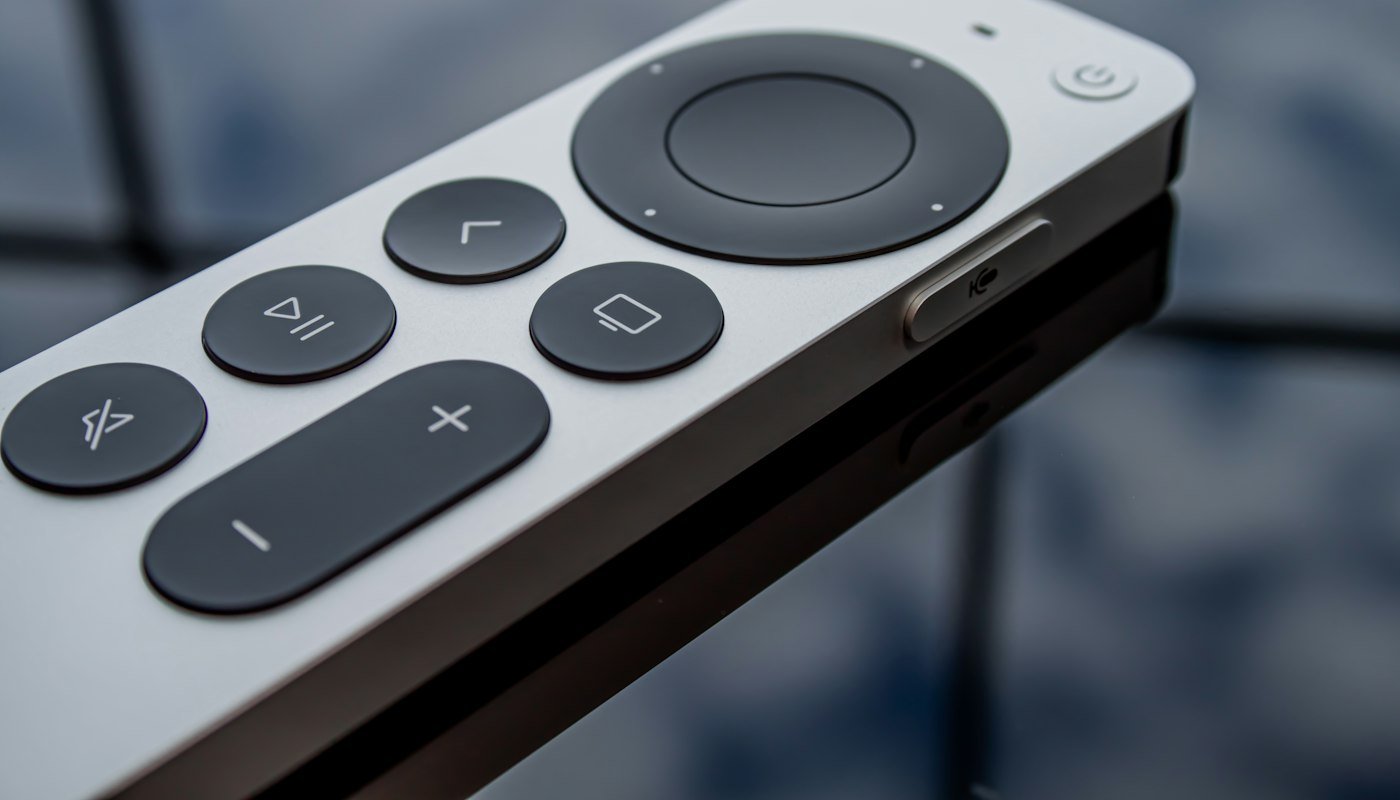
- For long live viewing, an app on the Apple TV is easier to live with than AirPlay from the phone: the Siri Remote changes channels and the phone stays free.
Which IPTV apps are on the Canadian App Store?
The seller, prices and minimum software below come straight from each app’s listing on apps.apple.com/ca. The Canadian storefront bills in Canadian dollars, so the prices below are CAD. They are the prices shown on October 8, 2026, and developers change them without notice.
| App | Seller on the listing | Runs on | Price (CAD) | Logins it takes | TV guide (EPG) |
|---|---|---|---|---|---|
| IPTVX | Bending X – FZE | iPhone and iPad (iOS 15+), Apple TV (tvOS 15+), Apple silicon Macs | Free download. Subscription $4.99 a month, $12.99 for 3 months, $23.99 for 6 months, $35.99 a year | Xtream, M3U, also Plex and SMB | Detected from the server, or your own EPG URL (gzip accepted) |
| UHF – Love your IPTV | Short Wavelength Applications Ltd | iPhone and iPad (iOS 16+), Apple TV (tvOS 17+), Apple silicon Macs | Free. Optional PRO at $2.99 a month, $24.99 a year or $69.99 lifetime | Xtream, M3U8, also Plex, Jellyfin, Emby | Yes. PRO adds an unlimited guide with alerts |
| iPlayTV | Andre Silva | Apple TV only (tvOS 18.6+) | $7.99 once, no in-app purchases listed | Xtream, a playlist URL, or file upload | EPG URL, gzip or tar accepted |
| GSE SMART IPTV PRO | GSE TECHNOLOGY LTD | Two separate apps: Apple TV (tvOS 12+) and iPhone/iPad (iOS 9+) | $6.99 for the Apple TV app, $3.99 for the iPhone and iPad app | Xtream, M3U, JSON | XMLTV in xml, zip or gz |
| Smarters Player Lite | WHMCS SMARTERS | iPhone and iPad (iOS 15.6+), Apple TV (tvOS 12+), Apple silicon Macs | Free. Premium version $2.99 | The listing names M3U and JSON playlists | Added in version 1.4.0 |
How do you spot a look-alike IPTV app?
Search the App Store for a popular player and you will often get several apps with almost the same name. The seller line on the listing tells you which one is genuine. On the Canadian store today, a search for Smarters Player Lite also returns “IPTV Smarter Player Lite” and “APTV – smarter player lite”. Neither is sold by WHMCS SMARTERS. One lists a weekly subscription at $12.99, the other at $9.99 a week, against a one-time $2.99 Premium on the real app. The same thing happens with GSE: “GSE Smart IPTV Player Live TV” comes from a different seller and sells monthly plans, while the GSE SMART IPTV PRO apps from GSE TECHNOLOGY LTD are one-time purchases.
Three checks take ten seconds. Read the seller name under the app title. Scroll to In-App Purchases and look for the word “weekly”. Then confirm that Apple TV appears under Compatibility if that is where you plan to watch. If you already started a weekly plan by mistake, cancel it on the iPhone in Settings: tap your name, then Subscriptions, pick the subscription and tap Cancel Subscription. Deleting the app is not enough.
Which IPTV app for Apple TV should you pick?
IPTVX: one subscription for the phone and the TV
IPTVX runs on iPhone, iPad, Apple TV and Apple silicon Macs, and its FAQ says an Apple subscription works across all supported Apple devices. It reads the guide from an Xtream server automatically and lets you set your own EPG URL when that fails. With iCloud sync turned on, your playlists and favourites follow you from iPhone to Apple TV. The in-app list also shows “PRO – TV” at $59.99. IPTVX’s FAQ describes Pro as a legacy Apple TV-only purchase with a smaller feature set, separate from the current subscription, so the subscription is the one to buy.
UHF: the free option
UHF’s listing says the core player is free, including the TV guide, catch-up, AirPlay and recording through its own UHF Server. PRO adds sync between devices and an unlimited guide. It needs tvOS 17, and recent updates added Dolby Atmos for live streams.
iPlayTV: pay once, Apple TV only
iPlayTV has been on the store since at least 2020 and costs $7.99 with no subscription. It needs tvOS 18.6, so check your Apple TV’s software version first. It supports Xtream catch-up and frame-rate matching, and it syncs playlists through iCloud.
GSE SMART IPTV PRO and Smarters Player Lite
GSE takes the oldest software of the five: tvOS 12 on Apple TV. But the Apple TV app was last updated in October 2023, and you buy it separately from the iPhone version. Smarters Player Lite is the Apple version of IPTV Smarters. Its listing mentions only M3U and JSON playlists, so if your provider gives you an M3U link, it will take it. Our IPTV Smarters guide covers that app in detail.
How to add an Xtream login to IPTVX on Apple TV

- On the Apple TV, open the App Store app, search for IPTVX and check that the seller is Bending X – FZE. Select Get.
- Open IPTVX and go to the playlist manager. Add a new playlist and choose Xtream as the source.
- Type the server address, username and password exactly as they appear in your login email. Any number after a colon in the server address belongs there.
- Save and let the app load the channel list.
- Open the TV guide. If it is empty, edit the playlist, add the EPG URL your provider sent, and refresh the guide.
Typing a long password with the Siri Remote is tedious. When a text field appears on the Apple TV, an iPhone signed in to the same Apple Account gets a notification, and you can type on the phone’s keyboard. Another route is to add the playlist in IPTVX on your iPhone first and turn on iCloud sync with the same settings on both devices, so the playlist appears on the TV.
If you are unsure what an Xtream login looks like next to an M3U link, our M3U and Xtream guide shows both. For a guide that shows the wrong times, see the EPG guide.
AirPlay from your iPhone, or an app on the Apple TV?
You can watch IPTV on the TV without installing anything on the Apple TV. Put the iPhone on the same Wi-Fi as the Apple TV or an AirPlay-compatible smart TV, start a channel, tap the AirPlay button and pick the TV. Apple also offers Screen Mirroring from Control Center, which copies the whole phone screen.
For a hockey game or an evening of live channels, a native Apple TV app is the better setup. The Siri Remote changes channels, the guide is on the big screen, and your phone stays free for other things. Screen Mirroring is the weakest option, since the TV shows exactly what is on the phone’s screen. AirPlay suits a quick look at something already open on the phone. Apple notes that some video apps do not support AirPlay. In IPTVX, AirPlay works when the native player handles the stream, and its FAQ says to leave Settings, Player on Auto for that reason.
Apple TV 4K or Apple TV HD: does the model matter?

It matters for picture and for how long the box keeps getting updates. Apple’s support page says tvOS 27 supports only the Apple TV 4K 2nd generation (2021) and 3rd generation (2022). The Apple TV HD from 2015 and the first Apple TV 4K from 2017 stop at tvOS 26. That is new enough for every app in the table today, since the highest minimum is iPlayTV’s tvOS 18.6. That changes once developers start asking for tvOS 27, because those boxes cannot install it.
The Apple TV HD outputs 720p or 1080p only and has 10/100 Ethernet. The current Apple TV 4K plays Dolby Vision and HDR10+ up to 2160p at 60 frames per second and has Wi-Fi 6. Apple Canada sells two versions: the Wi-Fi model with 64 GB at $279 and the Wi-Fi + Ethernet model with 128 GB at $349. Only the second has a Gigabit Ethernet port, which is worth having for live sports if your router is close. The Apple TV (3rd generation) from 2012 has no App Store at all, so it cannot run any of these apps.
What these apps won’t do
- They won’t install from anywhere except the App Store. Apple lists alternative app distribution only for Brazil, Japan and the EU, and Canada is not on that list. Android players such as TiviMate can’t be sideloaded onto an iPhone or Apple TV.
- They come with no channels. You need a login from a provider, and the app’s subscription does not include one.
- They can disappear. App Store availability, prices and minimum versions change, and an app can be pulled from the Canadian store. Check the listing before you rely on this table.
- They can’t fix the stream itself. If a channel buffers in every app, the problem is the connection or the source.
If you are still comparing services, our home page covers plans, channels and the free trial. Samsung and LG owners can read the smart TV apps guide, and Formuler owners the MYTVOnline guide.
Frequently asked questions
What is the best IPTV app for Apple TV?
For most people IPTVX, because it takes Xtream and M3U logins and one subscription covers the iPhone and the Apple TV. UHF is the strongest free option, and iPlayTV suits anyone who prefers a one-time $7.99 purchase.
Is there a free IPTV app for Apple TV?
UHF’s listing says its core player is free, with an optional PRO plan. Smarters Player Lite is also free to download, with a $2.99 Premium upgrade.
Can I install TiviMate on Apple TV or iPhone?
No. Its developer, Armobsoft FZE, describes TiviMate as designed for Android TV and publishes no App Store version. IPTVX or UHF are the closest equivalents on Apple devices.
Can I sideload an IPTV app on Apple TV?
Not in Canada. Apple lists alternative app distribution only for Brazil, Japan and the EU, so Canadian Apple TV and iPhone owners install players from the App Store.
Does IPTV work on Apple TV HD?
Yes. The Apple TV HD runs tvOS 26, which meets the minimum of every app in the table, but it is limited to 1080p and Apple’s tvOS 27 leaves it out.
Do I need to pay twice for iPhone and Apple TV?
It depends on the app. IPTVX says an Apple subscription works across supported Apple devices, while GSE SMART IPTV PRO sells separate Apple TV and iPhone apps.
Why does my App Store IPTV app charge every week?
You may have installed a look-alike app from a different seller. Cancel it in Settings, under your name, then Subscriptions, and reinstall the app from the seller named on this page.
Can I AirPlay IPTV from my iPhone to the TV?
Yes, if the app supports AirPlay and both devices are on the same Wi-Fi. A native app on the Apple TV is steadier for long live viewing.
Disclosure: we run BuyIPTV.ca, an IPTV service for Canadian households. Sellers, prices, minimum versions and features come from each app’s Canadian App Store listing, IPTVX’s features page and FAQ, TiviMate’s Google Play listing, Apple Support articles on Apple TV models, tvOS 26 and 27 support, app downloads, AirPlay, keyboard entry, subscriptions and alternative app distribution, and Apple Canada’s Apple TV 4K specs and store pages, all checked October 8, 2026.