Payment email
You get an email with the amount in CAD and, for Interac, the address to send the e-Transfer to and the message to include. Card and PayPal orders get a secure payment link.
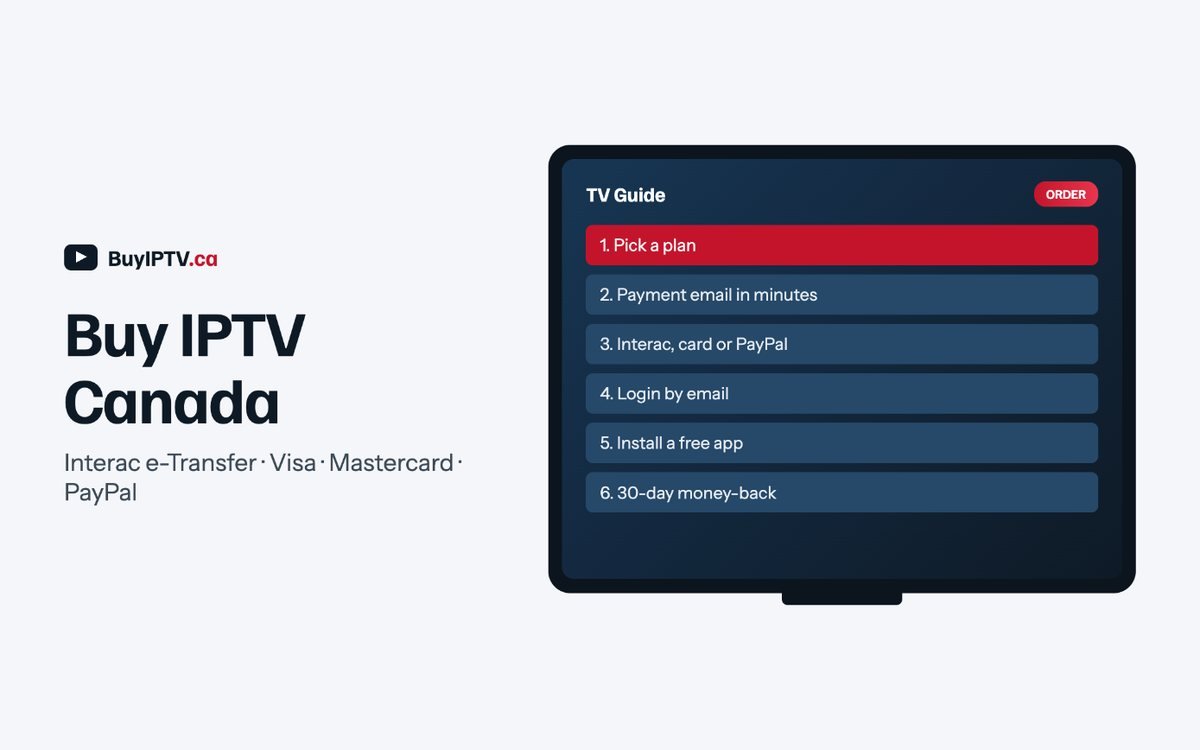
Choose a plan and a payment method. Within minutes during support hours you receive a payment email with the exact CAD amount; your login is sent as soon as the payment clears.
$22 / 1 month · $45 / 3 months · $79 / 6 months · $115 / 12 months · 2 screens
$29 / 1 month · $65 / 3 months · $105 / 6 months · $145 / 12 months · 5 screens, PPV, priority sports servers
All prices in CAD, tax included. 30-day money-back guarantee. Nothing auto-renews. Haven’t tried it yet? Start with the free trial.
When you buy IPTV Canada-wide, the price is the least useful thing to compare. Check these five instead. First, whether the service prices in CAD and takes Interac e-Transfer; a US-dollar price with a card-only checkout usually means the operator is not in Canada. Second, whether every Sportsnet region and TSN feed is listed by name on the channel list, not just “Sportsnet”. Third, whether there is a written refund policy with a number of days in it. Fourth, whether support hours are stated in a Canadian time zone. Fifth, whether a free trial exists that runs on the same servers as the paid plans.
If you can tick all five, buy the 12-month plan; it is the cheapest per month and, because nothing renews automatically, there is no lock-in. If you cannot, take the 24-hour free trial first and let it answer the questions for you.
You get an email with the amount in CAD and, for Interac, the address to send the e-Transfer to and the message to include. Card and PayPal orders get a secure payment link.
When payment clears (minutes for Interac and card, instant for PayPal), a second email carries your username, password and server address in both M3U and Xtream Codes formats.
Follow the setup guide for your device. If anything is unclear, reply to the login email; support answers 9 am to 11 pm ET, seven days a week.

Standard covers what most Canadian households actually watch: every Canadian network, every TSN and Sportsnet regional feed, the US and UK networks, the on-demand library, and two screens at once. Buy it if you are replacing one cable box and a second TV or tablet, and you do not care about pay-per-view.
Pro adds three things: five simultaneous screens, PPV events (UFC, boxing and wrestling cards), and priority sports servers that are provisioned with extra headroom on Saturday nights and during the playoffs. Buy Pro if you have three or more TVs, if several people in the house watch different games at the same time, or if you order fights. The difference is $7 a month, or $30 a year on the 12-month plan.
Duration is easier. One month is for people who want to be sure before committing; the free trial usually settles that faster. Three months suits a season, and six months covers roughly half a year without committing to the full twelve. Twelve months is the plan most subscribers end up on, because it works out to $9.58 a month on Standard and $12.08 on Pro, and because nothing renews on its own, there is no risk in prepaying.
Interac e-Transfer is the method most Canadians choose. You send the exact CAD amount from your own bank’s app to the address in the payment email, with the order number in the message field. Autodeposit is enabled, so there is no security question and the transfer clears in minutes; your login normally follows within the hour during support hours.
Visa, Mastercard and Debit Mastercard are charged in CAD through a secure payment link, so there is no foreign-exchange fee on your statement. The charge appears under a neutral billing descriptor. PayPal is instant and also settles in CAD; use it if you prefer PayPal’s own buyer protection on top of our 30-day refund policy.
Whatever you choose, the amount is fixed at checkout. There are no activation fees, no equipment rental, no tax added on top (the listed price includes it), and nothing renews automatically. When your term ends, you get a reminder email and decide whether to extend. If you ever want to change plans mid-term, reply to your login email and support will prorate the difference.

A checkout page tells you almost as much as a channel list does. Before you buy IPTV Canada from any seller, run their checkout past the seven signs below. None of them proves a scam by itself, but two or three together are a reason to close the tab.
| What you see at checkout | What it usually predicts |
|---|---|
| Prices shown only in US dollars | The operator is not billing or supporting Canada directly, so a currency conversion and a foreign-transaction fee land on your statement that a CAD price never would. |
| No written refund policy anywhere on the site | There is nothing binding the seller once you have paid. “No refunds” in a FAQ footnote is the same outcome with better manners. |
| Pressure to pay only by gift card or crypto | Both are hard to reverse once sent, which is why a seller with nothing to hide rarely insists on either as the only option. |
| A “lifetime” plan for one flat fee | Servers, channel sourcing and support cost money every month. One payment has to fund years of that from a single sale, and the arithmetic rarely survives. |
| No free trial offered | A seller confident the stream holds up on your ISP has little reason to skip a trial before you buy IPTV Canada. One that skips it wants payment first. |
| Support that exists only inside a chat app | No email means no ticket history and nowhere to escalate if the first reply does not help. |
| No named payment processor at checkout | If the page never says who processes the card or e-Transfer, there is no one to contact if a charge looks wrong. |
None of these seven signs proves a scam on its own; a small, honest operator can run a plain checkout page and still be reliable. What matters is the pattern together. A seller pricing in USD, skipping the trial and taking only crypto is telling you they do not expect you back in three months, a different promise than the one you get when you buy IPTV Canada from a service billing in CAD with a written guarantee.
Most of these are easiest to catch before you buy IPTV Canada, not after the money has left your account. Look for the details this site puts in the open: CAD pricing with tax included, Interac e-Transfer as an option, a named 30-day refund policy, and every regional feed listed by name on the channel list rather than a vague “Canadian sports” bullet.
What you do in the first two days after you buy IPTV Canada decides whether the rest of the subscription is smooth or a string of small annoyances. Here is the order we suggest once your login email arrives.
If a stream stutters in the first 48 hours, check the ordinary things first: switch the TV or box from Wi-Fi to an Ethernet cable if one is nearby, restart the player app rather than the whole box, and try a second channel to see whether the problem is one feed or everything. A single channel buffering while others run cleanly usually means that source, not your connection.
Contact support instead of reinstalling when the problem is not one channel: every channel fails on every device, the app rejects your login outright, or the guide is wrong across the board rather than on just the one feed you tested. Reinstalling fixes a corrupted app; it does nothing for a server-side or account issue, and support can usually tell which one you have within a couple of messages.
Nothing on this site renews on its own. When you buy IPTV Canada for one month, three months or a year, the plan ends on the last day of that period; there is no card kept on file for a recurring charge and no cancellation call to make. To keep watching, place a new order at the current price on the pricing page, the same way you did when you first chose to buy IPTV Canada.
Upgrading from Standard to Pro mid-term is prorated rather than charged in full. Email support with your order number, and the days remaining on Standard are credited against Pro’s price, so you pay only the difference for the time left on your plan. That is the advantage of choosing to buy IPTV Canada as a plan rather than a fixed package: it can grow with your household without a fresh full-price Pro term stacked on top of what you already paid.
Moving house within Canada does not require a new order or new hardware, since the service runs over your regular internet connection rather than a dish or a cable line. One reason people buy IPTV Canada in the first place is that it survives a move that would otherwise mean cancelling a cable contract and starting a new one. The only thing worth changing is which regional feed you set as your default: a household moving from Ontario to British Columbia will want the Pacific Sportsnet region as a starting point, not Ontario’s. Email support to switch the default, or browse to the right region yourself.
Cancelling is nothing more than not placing another order, since nothing auto-renews the moment you buy IPTV Canada from this site; there is no subscription to formally close. The 30-day money-back guarantee works the same way whether you bought Standard or Pro, for one month or twelve: email support from the address on your order within 30 days, no reason required, and the refund goes back to however you paid. If you bought through a reseller rather than directly, the guarantee sits with whoever billed you, so start there; if you paid us directly, we handle it end to end.

No. The service is delivered over your normal internet connection and works on every major Canadian ISP. Some subscribers use a VPN for their own privacy, and the service works through one, but nothing requires it.
Yes. Each login allows two (Standard) or five (Pro) simultaneous streams from any location in Canada, so a second household can share a Pro plan. If you want separate logins and billing, order twice or ask about the reseller program for family-sized bundles.
During support hours (9 am to 11 pm ET) the login email typically arrives within the hour of payment clearing; overnight orders are processed first thing in the morning. Free-trial logins are usually faster because no payment has to be matched.
The setup guides cover Firestick, Android TV, Samsung, LG, Apple TV, phones and MAG boxes, and support will walk you through a device by email. If it still will not run to your satisfaction, the 30-day money-back guarantee applies and you get a full refund.
Watch for prices shown only in US dollars, no written refund policy, a checkout that accepts only gift cards or crypto, “lifetime” plans, no free trial, support that lives only inside a chat app, and no named payment processor. Any one of these alone is not fatal, but together they are a reason to buy IPTV Canada from a service that publishes CAD pricing, a 30-day guarantee and a real trial, rather than from the first cheap ad you see when you decide to buy IPTV Canada.
No. The service runs over your home internet rather than a dish, so a move within Canada does not need a new order. Email support to set your new city’s regional feed as the default, or switch it yourself in the guide; either way, you do not buy IPTV Canada twice just because you changed addresses.