- Test your speed on the TV device itself, not on your phone. The phone is usually closer to the router.
- A network cable to the TV fixes more buffering than any setting. Amazon sells an official Ethernet adapter for Fire TV.
- Buffering on every channel all evening points to your home network. Buffering on one channel points to that stream.
- If only live sports buffer, the busiest channels at the busiest moment are the usual cause. Report the channel and the time to your provider.
What causes IPTV buffering? Start with when it happens
Before changing anything, watch for a day and note which of these fits. It saves a lot of guessing.
| When it buffers | Most likely cause | Fix first |
|---|---|---|
| All channels, all the time | Weak Wi-Fi at the TV, or a slow line | Speed test on the device, then a cable or the 5 GHz band |
| All channels, mostly in the evening | Your line or your Wi-Fi is congested when everyone is home | Cable the TV, pause big downloads, check your plan’s real speed at 8 pm |
| One channel, or a few | That stream is struggling at the source | Switch to another version of the channel (FHD, HD, 4K) |
| Only in 4K | Not enough bandwidth, or a device that decodes 4K poorly | Drop to the FHD feed, or use a stronger device |
| Only on one TV or device | That device: memory, Wi-Fi reception, app version | Restart it properly, update the app, try the other app |
| Only during big live games | Heavy load on the busiest channels at the busiest moment | Report the channel and the time to your provider |
| Everything stops at once, apps too | An internet outage | Restart the modem, check your ISP’s outage page |

How much internet speed do you need for IPTV?
There is no official figure for IPTV, so two reference points help. For its own service, Netflix recommends 3 Mbps for 720p, 5 Mbps for 1080p and 15 Mbps for 4K. We recommend a steady 15 Mbps per screen for Full HD and 25 Mbps for 4K on our service, because live channels do not get the long head start that a film on Netflix does. For comparison, the CRTC’s target for every Canadian home is 50 Mbps down and 10 up.
What matters is the speed at the TV, at the time you watch. Run the test on the streaming device itself, with a browser or a speed test app from the device’s store. FAST.com, which Netflix runs, also shows upload speed and latency under load if you click “more info”. Run it once in the afternoon and once at 8 pm. If the evening number is half the afternoon one, the problem is congestion on your line or in your house, not the IPTV service.
Count the screens. Two people watching 4K and a teenager gaming at the same time is three heavy users on one line. Multiply before blaming the stream.
Fix your Wi-Fi first, because it is usually the Wi-Fi
Most living-room buffering comes from the last few metres between the router and the TV. Intel’s comparison of the two main Wi-Fi bands puts it simply: 2.4 GHz reaches further but carries less data, up to about 100 Mbps in practice, and it is the most crowded band in any apartment building. 5 GHz carries up to about 1 Gbps over a shorter distance.
Use a cable if you can
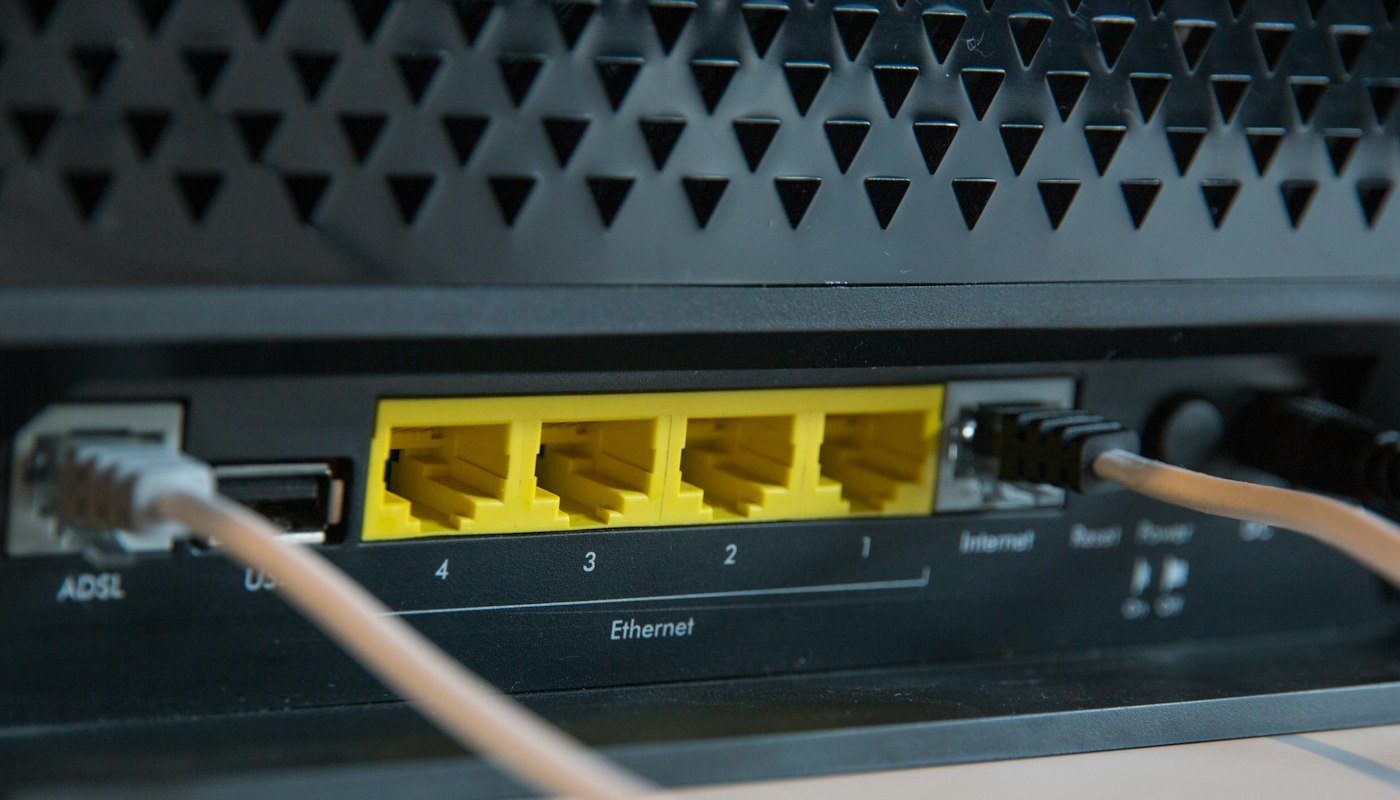
A network cable takes Wi-Fi interference and your neighbours’ routers out of the picture. Android TV boxes, MAG and Formuler boxes and most smart TVs have an Ethernet port. The Fire TV Stick does not, but Amazon sells an official Ethernet Adapter for Fire TV devices that plugs in between the stick and its power cable. Check that the listing names your model, then after connecting it, check under Settings, then Network, that the stick shows a wired connection.
If it has to be wireless
Connect the TV device to the 5 GHz network. If your router shows one network name for both bands, look in its settings for an option to split them so you can choose. Move the router out of a cabinet and off the floor if you can, and if the TV is two floors away, a mesh point near the TV beats any setting on the device.
Fix the device and the app
Streaming sticks run for weeks in standby, and memory fills up. A proper restart clears it. Turning off the TV leaves the stick in standby, so unplug the device for ten seconds instead. On a Fire TV you can also go to Settings, then My Fire TV, then Restart.
Keep the player app current, and clear its cache if the app itself feels slow. Most player apps, TiviMate and IPTV Smarters included, have player settings where you can change the decoder, and some also let you change the buffer size. Menu names shift between versions, so look under the playback or player section. If one decoder stutters, try the other: hardware decoding suits most Fire TV and Android TV devices, and software decoding sometimes fixes a single stubborn channel.
If one app buffers and another does not on the same device and channel, keep the one that works. Our TiviMate and IPTV Smarters guides cover both setups.
Fix a single channel: switch feeds
Big channels usually appear more than once in the list, for example TSN 1 in FHD, HD and 4K versions. If one version stalls during a big game while other channels are fine, the problem is that stream, and another version of the same channel is often fine. This is also the fastest test of whether the problem is yours or ours: if every other channel plays smoothly, your home network is not the cause, and support wants to hear about it.
Why does IPTV buffer only during live sports?
The most-watched channels are busiest exactly when the game is on, on any service, so a stream that is fine at noon can struggle at puck drop. Report the channel and the time to your provider, because load problems are theirs to fix.
Court-ordered blocking in Canada
Since 2022, the Federal Court has issued dynamic blocking orders requiring major ISPs to block servers identified as streaming live sports without authorization, during live game windows. The first, in May 2022 (2022 FC 775), was for NHL games: ISPs had to apply blocks within 30 minutes of the start of a game window and update them at least every hour. Named ISPs included Rogers, Shaw, Vidéotron, Cogeco, Eastlink and TekSavvy.
Later orders followed for NHL, FIFA World Cup and MLB games, and a 2024 multi-sport order (T-743-24) covered NHL, NBA, Premier League, MLB, UFC and FIFA World Cup 2026 games during live game windows. In July 2026 the court granted a two-year “expanded scope” order against named IPTV services and pirate sites, with Bell, Rogers, Telus, Vidéotron, Cogeco, SaskTel, Bragg and TekSavvy as respondents. Some ISPs publish the orders they apply on their own websites.
Which orders are in force changes over time, so check your ISP’s court-orders page for the current list. We do not give advice on getting around a court order, and our guide to IPTV and Canadian law covers the legal side in full.
Ordinary ISPs in Canada must publish their internet traffic management practices under CRTC rules, and the CRTC reviews complaints about them. We have not found a published case of a Canadian ISP slowing IPTV traffic in general, so if everything buffers all the time, look at your network before suspecting your ISP.

Frequently asked questions
Why does my IPTV keep buffering when my internet is fast?
The speed test was probably run on a phone near the router. Test on the TV device itself. If that number is low, the Wi-Fi at the TV is the problem, and a cable or the 5 GHz band fixes it.
Why does IPTV buffer only at night?
Your line and your home network are busiest in the evening. Compare a speed test at 3 pm and at 8 pm on the TV device. A big drop means congestion, which a cable to the TV and pausing big downloads usually solves.
Why does 4K buffer but HD is fine?
4K needs roughly three times the bandwidth, and some sticks decode it poorly. Use the FHD version of the channel, or test on a stronger device with a wired connection.
Why does IPTV buffer only during live sports?
Sports channels carry the heaviest load during games, on every service. Tell your provider the channel and the time it happened so they can check the load on their side.
Does a VPN stop IPTV buffering?
Usually not. A VPN adds distance and encryption overhead, so on a connection that is already struggling it tends to make buffering worse. Fix the Wi-Fi and the device first.
What internet speed do I need for IPTV?
We recommend a steady 15 Mbps per screen for Full HD and 25 Mbps for 4K. As a reference, Netflix recommends 5 Mbps for 1080p and 15 Mbps for 4K on its own service.
Is buffering my internet or my IPTV provider?
If every channel buffers, and other apps struggle too, it is your connection. If one channel buffers while others play smoothly, it is that stream, and your provider should hear about it.
Does restarting the device help?
Often. Streaming sticks fill their memory after days in standby. Unplug for ten seconds, or use the restart option in the device settings.
Disclosure: we run BuyIPTV.ca, an IPTV service for Canadian households. Speed references are from Netflix and the CRTC, Wi-Fi figures from Intel, and the blocking-order details from Federal Court orders as reported by Osler, TorrentFreak and ISPs’ own published notices, checked September 29, 2026. This page is general information, not legal advice.