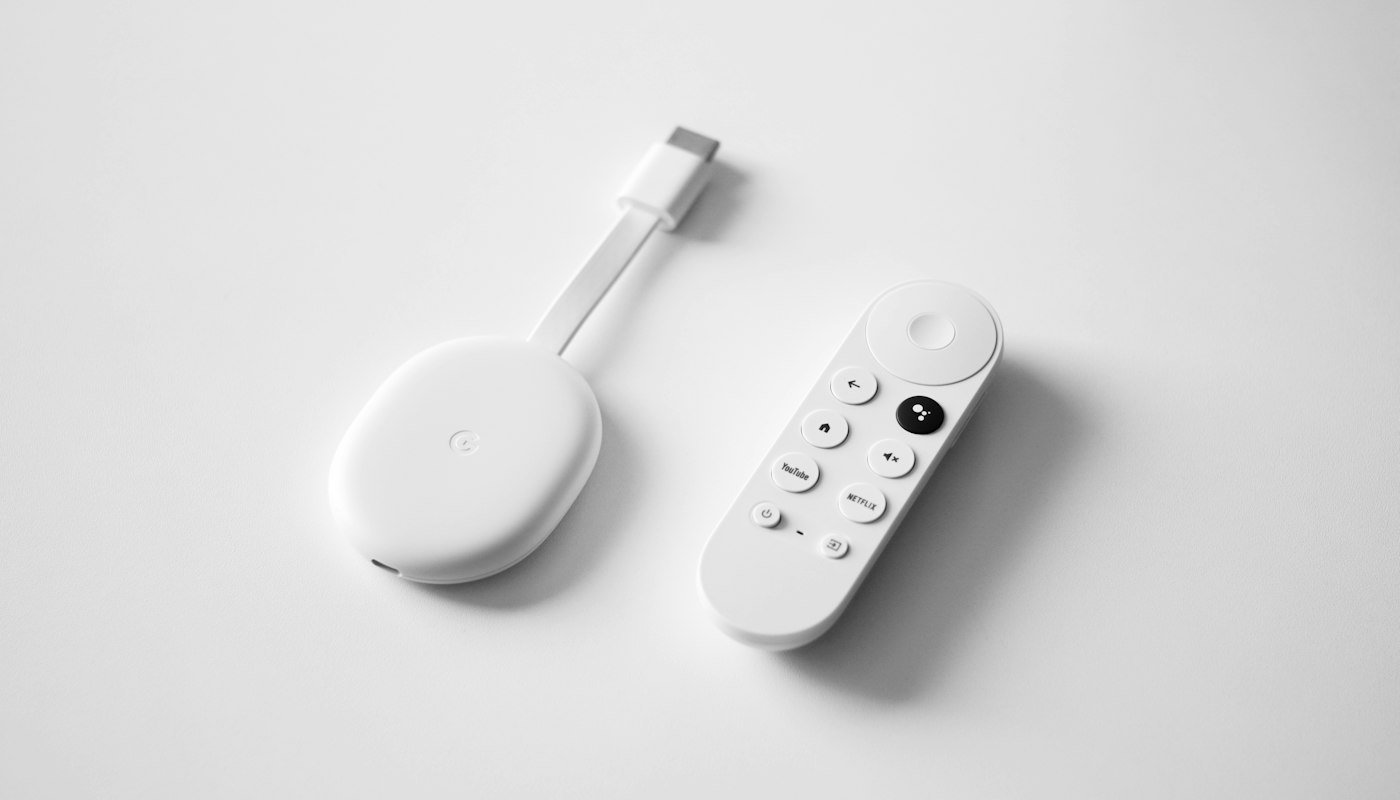
- TiviMate is built for TV remotes. Its developer says plainly that it is not optimized for phones or tablets, and there is no iPhone version.
- Firestick owners install it with Downloader code 272483 or the address tivimate.com/apk. The Fire TV Stick 4K Select and the second-generation Fire TV Stick HD cannot install it at all.
- The basic app is free. Premium is a paid upgrade sold as a one-time lifetime purchase or a renewing plan, and it unlocks app features only, never channels.
- When channels will not load, the app is rarely the cause. Test the same login in a second player before you reinstall anything.
What is TiviMate, and does it work on my device?
TiviMate is a playlist player made by Armobsoft FZE. Its own site puts it bluntly: the app is a media player only and does not provide any content. You bring a playlist from a provider, and TiviMate turns it into a channel list and a TV guide that looks a lot like a cable box.
It runs on Android TV, and that includes Google TV. In practice that covers the Nvidia Shield, the Chromecast with Google TV, and Sony, TCL and Hisense sets running Google TV, plus most Fire TV devices, since Fire OS is built on Android. Samsung and LG sets run their own systems, so TiviMate is not an option there. Our setup hub covers the apps those TVs use.
People ask us a lot whether TiviMate works on an iPhone. It does not. The developer says the app is not optimized for phones or tablets, and there is no App Store version. Apple owners are better served by a player built for iOS and tvOS.
Check your Firestick first: some new models cannot install it
This catches people out, so check before you start. Amazon has moved two recent sticks from Fire OS to its new Vega OS, and Vega OS does not allow apps from outside the Amazon store. According to AFTVnews, the site that makes the Downloader app, those models are the Fire TV Stick 4K Select and the second-generation Fire TV Stick HD.
To see which system yours runs, go to Settings, then My Fire TV, then About. A version that begins with “Fire OS” can install TiviMate. A version shown as “OS” with a number starting with 1 is Vega OS, and neither TiviMate nor any other sideloaded player will install on it. The Fire TV Stick 4K Plus, the 4K Max, the Fire TV Cube and TVs with Fire TV built in all still run Fire OS.
If you already own a Vega OS stick, the cheapest fix is a second device. A Google TV Streamer or a Fire TV Stick 4K Plus both run TiviMate well.
How do I install TiviMate on a Firestick?
It takes about five minutes. You need the Downloader app from the Amazon Appstore, and permission for it to install apps.
- Turn on developer options. Go to Settings, then My Fire TV. If you do not see Developer Options, open About and click the name of your device seven times with the remote. Amazon documents this trick itself.
- Allow Downloader to install apps. In Developer Options, open Install unknown apps and switch Downloader on. Older sticks call this setting Apps from Unknown Sources.
- Install Downloader. Search for “Downloader” in the Fire TV app store. It has an orange icon and is published by AFTVnews.
- Enter the code. Open Downloader and type 272483 in the address box, or type tivimate.com/apk. TiviMate lists both on its homepage.
- Install and tidy up. Choose Install, then Done. Downloader offers to delete the installer file afterwards, and that frees space the stick will want later.
On an Android TV or Google TV set you skip all of that. Search “TiviMate IPTV Player” in the Play Store and install it like any other app.
How do I add my login to TiviMate?
Your welcome email from us contains a username, a password and a server address, plus an M3U link that bundles all three. TiviMate accepts either, but the Xtream login is the better choice. With it, the player pulls in the TV guide, the movie library and the series by itself. With an M3U link you often have to add the guide separately.
- Open TiviMate and choose Add playlist. A new install asks straight away.
- Pick Xtream Codes. Type the server address exactly as it appears in the email, including the http:// part and any number after a colon. That number is the port, and without it the login fails.
- Enter the username and password. Both are case-sensitive. Typing them on a TV remote is where most mistakes happen, so check each character.
- Name the playlist and choose categories. TiviMate lets you tick which groups to load. Tick Canada, Sports and the languages you watch, and leave the rest off. A smaller list makes the guide faster to scroll.
- Wait for the first sync. Loading 30,000 channels takes somewhere between thirty seconds and a minute and a half. After that, the app opens straight to the guide.

If you are still deciding on a service, the 24-hour free trial gives you a real Xtream login to test in TiviMate before you pay anything.
Is TiviMate free, and what does Premium cost?
The app itself is free to install and use. What you pay for is Premium, which unlocks extra features. TiviMate says any upgrade covers application features only and never includes channels. That matters because some sellers bundle a “TiviMate subscription” with a playlist, and the two are separate things from separate companies.
TiviMate’s terms describe two ways to buy: a one-time lifetime purchase, and renewing plans that bill monthly or yearly until you cancel. The terms do not publish the prices. The app shows them at checkout, and they have changed over the years, so any figure you read on a third-party site may be out of date. Check inside the app before you decide.
Where you buy depends on the device. A TV with Google Play can buy it in the app. A Firestick has no Google Play, so the developer offers TiviMate Companion, a separate Android phone app that unlocks Premium on devices without Play. You can also buy through an account on the TiviMate website. Refunds follow whichever route you used. Purchases made through an app store follow that store’s refund policy. Purchases made directly on TiviMate’s website are final under its terms.

Is it worth it? If you watch on one TV and only want live channels, the free app is enough to start. Premium earns its price if you want the extras most people install TiviMate for, such as more than one playlist and recording. Try the free app for a week first.
TiviMate problems and how to fix them
Most TiviMate complaints turn out to be about the playlist, not the player. The quickest test is to put the same login into a second app, such as IPTV Smarters. If it fails there too, the problem is the login or the service, and reinstalling TiviMate will not help.
“Is TiviMate down?”
TiviMate does not stream anything itself, so it cannot go down the way a streaming service can. If every channel stops at once, check your provider. Our service status page shows whether we are having an outage. If one channel fails and the rest play, that feed is the problem, and a second feed of the same channel usually works.
The login is rejected
Re-enter the server address with its http:// prefix and its port number. Then retype the password, since the letter O and the number zero look alike on a TV keyboard. Some providers, us included, limit how many screens can play at once. A login that works on one TV and fails on a third may simply be over its screen limit.
The guide is blank or shows the wrong times
A blank guide usually means the listings have not downloaded yet, or the playlist was added as a bare M3U link with no guide attached. Refresh the guide from the playlist settings, or switch to the Xtream login. If times are off by an hour or more, check the time zone on the device itself before changing anything in the app. Our EPG guide walks through both problems.
The app freezes or closes on a Firestick
Older sticks crash when storage runs low. Go to Settings, then My Fire TV, then About, and check the storage. Clearing TiviMate’s cache or uninstalling unused apps usually fixes it. Buffering on live sport is a different problem, and the cause is almost always the network. The troubleshooting section of our setup hub covers it.
TiviMate or IPTV Smarters?
Both play the same login, so you do not have to choose just one. TiviMate is the better guide on a TV remote: the channel grid looks and scrolls like cable, and it handles large playlists smoothly. IPTV Smarters runs on far more devices, including iPhones, iPads, Apple TV and Samsung sets, and it is free to install on most of them.
Our rough rule is TiviMate on an Android TV or a Firestick that you use every day, and Smarters everywhere else. Our Smarters Firestick guide covers the other route, and the Firestick app comparison explains which apps suit which Canadian channels.
Frequently asked questions
Is TiviMate free?
The app is free to install and use. Premium is a paid upgrade for extra features, sold as a one-time lifetime purchase or as a renewing plan. Neither includes channels, which always come from your provider.
What is the TiviMate downloader code?
TiviMate’s own website lists Downloader code 272483, which points to tivimate.com/apk. Type either one into the Downloader app on a Firestick.
Does TiviMate work on iPhone?
No. TiviMate is built for Android TV devices, its developer says it is not optimized for phones or tablets, and there is no App Store version.
How much is a TiviMate lifetime subscription?
TiviMate sells a one-time lifetime purchase alongside renewing plans, and shows the current price at checkout rather than publishing it. Prices have changed over the years, so check in the app instead of trusting an old figure.
How do I pay for TiviMate Premium on a Firestick?
A Firestick has no Google Play, so buy Premium through the TiviMate Companion app on an Android phone or through an account on the TiviMate website, then sign in on the stick.
Why can’t I install TiviMate on my new Fire TV Stick?
The Fire TV Stick 4K Select and the second-generation Fire TV Stick HD run Amazon’s Vega OS, which does not allow apps from outside the Amazon store. Check Settings, My Fire TV, About: a version starting with “Fire OS” can install TiviMate.
Disclosure: we run BuyIPTV.ca, an IPTV service for Canadian households, and we are not affiliated with TiviMate. App details are checked against TiviMate’s own site, its Google Play listings and its terms of use as of September 2026.